

New in V2 · real PID
Every motor simulated
A Betaflight-style flight controller at 1,000 Hz, per axis. It flies like your quad because it is built like your quad.
Dive into a unique FPV drone simulator, where every corner of the globe is yours to explore.
See what’s new → PC · Mac · Steam
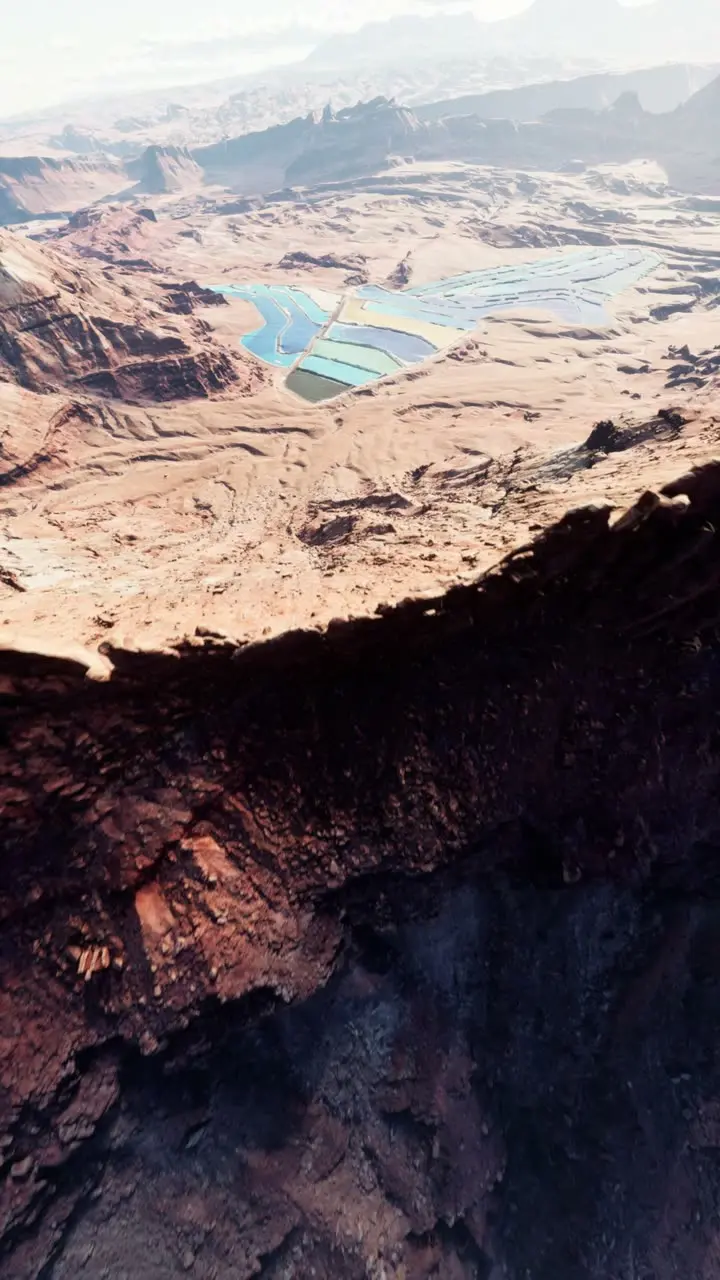
A real PID loop at 1,000 Hz and every motor simulated, with your own rates for a perfect control feel.
Explore a detailed 3D planet, with numerous cities and landmarks, based on Google Maps, in an expansive and immersive environment.
Share and discover unique flying spots with friends or fellow enthusiasts, right inside the game.
V2 is a free update for everyone who owns the game. It changes how the drone flies, who you fly with and what you can shoot.
A Betaflight-style flight controller at 1,000 Hz, per axis. It flies like your quad because it is built like your quad.

Open a public or friends-only session, invite friends through Steam, and fly together. PC and Mac in the same session.

Switch to a stabilized camera drone and get real shots for your edits, like flying a Mavic 4 Pro or an Inspire.

Pick your camera, stabilize in post with adjustable gyro stabilization and horizon lock, slow it down. Rendering is offline, so every frame comes out perfect on any PC.

Toothpick, 5-inch freestyle, cinewhoop, long range. Make as many builds as you want and save them as presets.

Built on Unreal Engine 5.8, the simulator offers strikingly realistic graphics, and a visually immersive experience even on medium-spec systems. The engine’s optimization balances detail and performance, bringing every flight to life with stunning clarity and smoothness.

Master the elements with customizable weather. Adjust cloud height, rain intensity and storm conditions, and fly a full winter world with snow that builds up. Fine-tune the time of day to capture the ideal lighting, with accurately positioned sun and moon. This level of control enhances the cinematic quality of your flights and helps you scout and plan real-world aerial shoots.

Fly in some of the world’s most restricted zones. Imagine powerlooping the Eiffel Tower in Paris, weaving through the skyscrapers of New York, or gliding above the bustling streets of Tokyo. Capture unique footage from these iconic places and use it to enhance your video edits, all from the comfort of your simulator.

Never flown FPV? Learn here before you crash a real quad.

FPV Worldwide runs natively on Apple Silicon, on Metal.
Real exports from FPV Worldwide, rendered offline. Nothing added in post.
Type a place or click a spot on the globe. Fly over cities, mountains and landmarks. LiDAR zones add ultra-detailed terrain, and old aerial photos let you go back in time.


Official LiDAR terrain for France and Switzerland, with a world map of the spots.
Pick a square on the map, see its size, and the game downloads the official LiDAR from IGN or swisstopo and builds it on your computer. Full detail, nothing simplified.
Aerial photos of a place from the 1950s and 60s, one click from where you fly.
Peaks, lakes, passes, mountain huts… named in the world above the place.
Four presets and sliders: snow line, coverage, melt. Snow builds up and the drone leaves a trail in it.
The home screen is the Earth. An option shows real city lights on its night side.
A rebuilt interface, made for gamepad, radio, keyboard or mouse. Every tile keeps its key in flight.

Real drone radios, gamepads and keyboard. Calibration is guided, step by step, and works even on short-throw radios.
Real drone controllers give you the genuine feel and precision of actual FPV flying. New to the hobby, or without a drone controller? A standard gamepad is fully compatible, so newcomers can ease in while seasoned pilots keep the controls they know.
Mac and Windows
Mac only · screen radios
Every update, newest first.
Easier map setup, and your flight mode and sticks choice no longer validates on a simple mouse hover.
DJI and EdgeTX radios, 9:16 and 4:5 exports, and fixes for LiDAR spots and Mac.
A rebuilt interface, a flight log, a winter world, downloadable LiDAR spots, old aerial photos and film render.
Mac fixes, a steadier takeoff, guided radio calibration and DJI FPV RC 2 support.
Real PID physics, multiplayer on PC and Mac, quad builder, cinema mode and a pro replay editor.
Yes. V2 and every update since are free for everyone who owns the game.
Windows and Mac (Apple Silicon, M1 and later). PC and Mac pilots can fly in the same multiplayer session.
Real drone radios, gamepads and keyboard. Classic radios (DJI RC-N1/N2/N3, FPV Remote Controller 2 and 3, EdgeTX radios like the Boxer) work on Mac and Windows. Screen radios (DJI RC, RC Pro) work on Mac only. The settings include a guided calibration.
Create a free Cesium account, open Access Tokens, copy your default token and paste it in the game. It takes about a minute.
30, including English, French, German, Spanish, Italian, Portuguese, Japanese, Korean, Chinese and Arabic.
Write to contact@fpvworldwide.com or post in the Steam discussions.

Hello, I’m Robin Cretinon, living amidst the stunning scenery of the French Alps. By profession, I’m a filmmaker and a professional FPV drone pilot. When I’m not out flying or behind the camera, I find myself drawn to game development, a hobby that allows me to blend my technical skills with my creative passions.
I’ve always been a fan of simulators, but I dreamed of creating something more: a simulator that wasn’t just about the mechanics of flying but also about exploring the world and creating footage as realistic as real drone flying. FPV Worldwide is that game. It’s been a labor of love, combining my professional expertise with my personal interests, and I hope it offers as much joy and excitement to others as it has brought to me in creating it.
Robin Cretinon
Endless exploration with a single purchase: no subscription fees, lifelong access. To get started you need a free Cesium account, a quick setup: create it, copy your token, paste it in the game.
